
As a Hoopla user, we know you want to be reading or watching, not troubleshooting. We’ve made it easy to find help from Hoopla by putting it in one place.
Need help setting up an account? Want to learn how to borrow media? Looking to troubleshoot playback? You’re in the right place.
Our goal is to make sure you can confidently enjoy audiobooks, eBooks, comics, music, movies, and TV on Hoopla.
Contacting Hoopla Customer Service
Need personalized Hoopla support? Our customer service team is ready to assist with account, device, and content inquiries. When you contact Hoopla, please provide detailed information so we can help you as quickly as possible.
Preferred Contact Methods
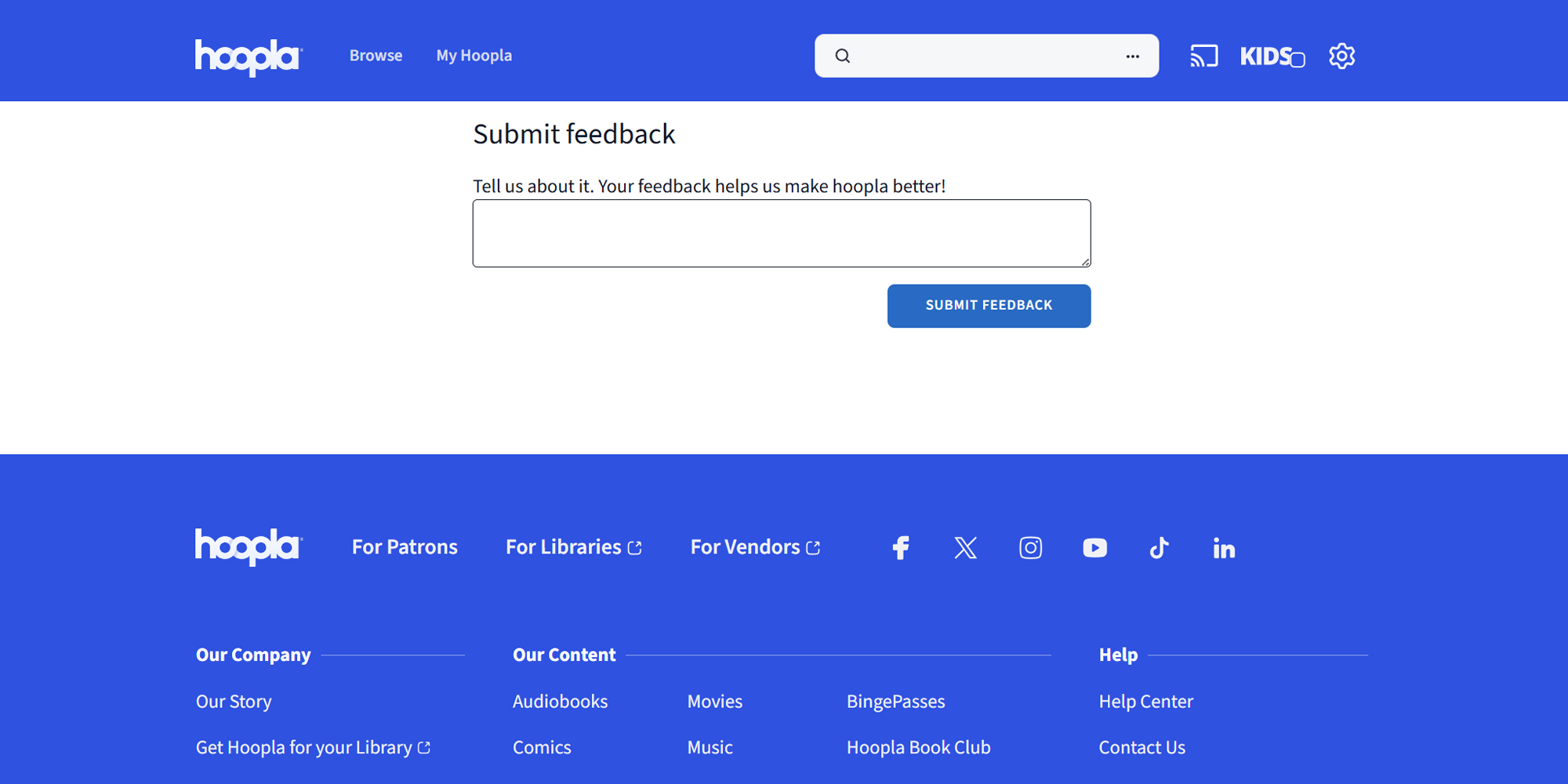
On HooplaDigital.com, scroll down to the blue section at the bottom. At the far right, under Help, click on Help Center to see if your issue is listed. If it’s not, go to Contact Us and fill out the Submit Feedback form.
On the Hoopla app: Go to Settings and tap the question mark (?) icon in the top right corner. Check the How-to section or Error Messages section to see whether your issue is addressed or scroll down to see if your topic is addressed in one of our tutorials. If it’s not, click on Submit Feedback and use our official Hoopla support request form to report your issue directly to us.
- When reporting an issue, please be sure you’re logged into your Hoopla account so our support team can access details and respond promptly.
- Share your library name, device type, app version (if applicable), and a brief problem description for quicker resolution
Support Channels Available
- Email: Submit a ticket through our online form and receive email updates from our customer service.
- Social media: Connect with Hoopla Digital on Facebook or Instagram for tips and status updates.
- Phone: Some library partners offer phone support at your local library; go to Hoopla settings to see which library is partnered with your Hoopla account. Hoopla does not offer phone support, but our support team is dedicated to replying in 1-2 business days.
Response Times and Availability
- Email responses usually arrive within 1-2 business days from Hoopla support.
- Support is available during standard US business hours; holiday hours may differ.
Common Questions and Answers
- For fast Hoopla help to frequent problems without delay, these quick fixes provide helpful insights before reaching out for support.
Typical Issues and Solutions
- Login issues: Check your library card number and PIN, then reset your Hoopla password if necessary.
- Reached borrowing limit: Limits are set by your library; wait for the next cycle, or return items early if possible.
- Unavailable title: Availability varies by library; check back later, explore similar categories and recommendations, or talk to your library about a specific title.
Managing Your Account
- Update email or password: After logging in, go to Account Settings to modify your profile information.
- Switch library: In Settings, select your library and follow prompts. A valid card may be required for the new library.
- Add devices: Log in with the same Hoopla credentials on supported apps to sync your borrowing history and content.
Resolving Access and Playback Issues
- App not loading: Force close the app, update to the latest version, ensure a stable internet connection and try again.
- Download issues: Verify device storage and keep the app open until downloads complete.
Maximize Your Hoopla Support Experience
Keep your apps and devices updated and review the FAQs before contacting support—you might find an immediate fix! If problems persist, if you can’t find answers to your issue in our FAQs, or if you just want to reach out to us (we love to meet our patrons!), please contact Hoopla customer service. We’re dedicated to providing fast, friendly support to help you enjoy your library’s digital collection. Hoopla is here for you!


Endless entertainment.
No subscription required.
With Hoopla you can read, listen, and watch for free with your library card.
Get Started