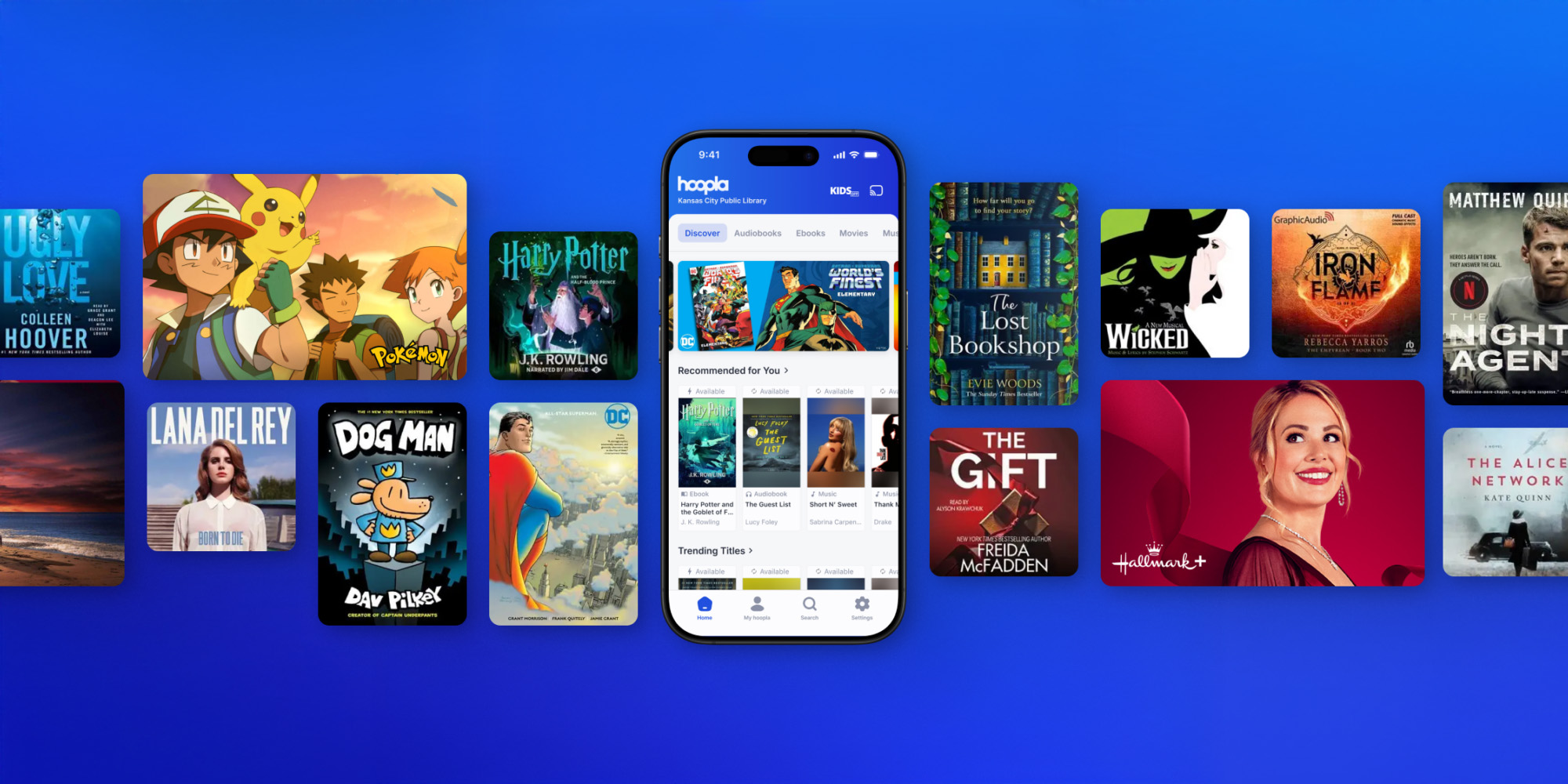
Hoopla is a free digital streaming service that lets you borrow audiobooks, eBooks, comics and manga, movies, TV shows, music, and more with your library card. You can also use BingePass to unlock entire collections and platforms with a single borrow.
Quick Answer
- Hoopla is a library-based streaming platform.
- It’s free with a valid library card from a participating library.
- You can stream or download content instantly.
- It works on mobile devices, computers, and smart TVs.
How Does Hoopla Work?
Hoopla partners with public libraries to provide access to digital content. Instead of paying for a subscription, you access Hoopla through your participating public library.
How to use Hoopla:
- Sign up with your library card.
- Browse or search for titles.
- Borrow instantly (no waiting).
- Stream or download on your device.
Borrowing limits and available content may vary by library, and titles return automatically—no late fees.
Is Hoopla Really Free?
Yes, Hoopla is completely free for users.
- No subscription fees
- No late fees
- No ads
Your library pays for access, making it an easy way to enjoy digital entertainment at no cost.
What Can You Borrow on Hoopla?

Hoopla offers a wide selection of digital content:
Whether you’re looking for your next great read, a movie night pick, music, or educational content, there’s plenty to explore.
What Devices Support Hoopla?
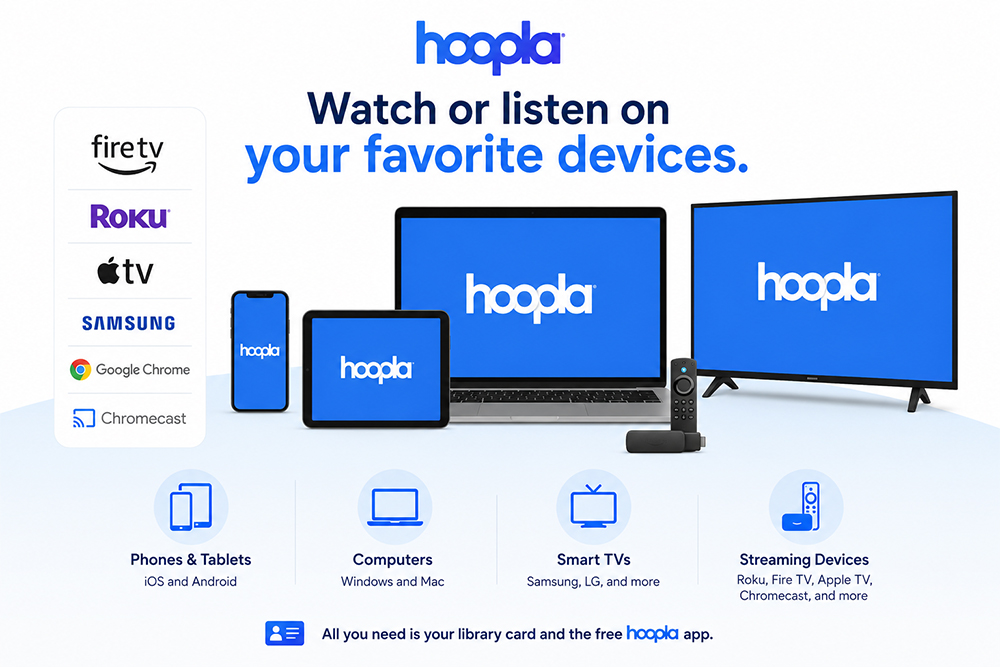
You can use Hoopla on a variety of devices:
- iOS and Android smartphones or tablets
- Desktop and laptop computers
- Smart TVs and streaming devices (Roku, Apple TV, Fire TV Stick, Samsung TV, LG TV)
This flexibility makes it easy to watch or listen from anywhere, and Hoopla keeps your place so you can pick up where you left off when switching between supported devices.
Do All Libraries Offer Hoopla?
Not all libraries offer Hoopla, but many do.
To check availability:
- Visit your local library’s website.
- Look for digital services.
- Try signing up with your library card on Hoopla.
If your library participates, you can start using Hoopla right away.
What Are the Benefits of Using Hoopla?
Hoopla offers several advantages:
- Free access with your library card
- Instant access to many titles
- Multiple formats in one app
- No late fees
- Access across supported devices
- BingePass and SeasonPass options
It’s a great way to supplement paid streaming services or reduce subscription costs.
How Do You Get Started with Hoopla?
Getting started is simple:
- Visit the Hoopla website or download the app from the app store.
- Create an account.
- Enter your library card information.
- Start browsing and borrowing.
You can begin streaming immediately after signing up.
Final Takeaway
Hoopla Digital makes it easy to access free audiobooks, eBooks, comics and manga, movies, TV shows, music, and more—all with your library card. With no subscriptions, no ads, and no late fees, it’s one of the simplest ways to enjoy digital content from your library.


Endless entertainment.
No subscription required.
With Hoopla you can read, listen, and watch for free with your library card.
Get Started