
Did you know that you can borrow and read eBooks completely free? All you need is a library card and Hoopla. Here’s how:
How Do I Get a Library Card Online?
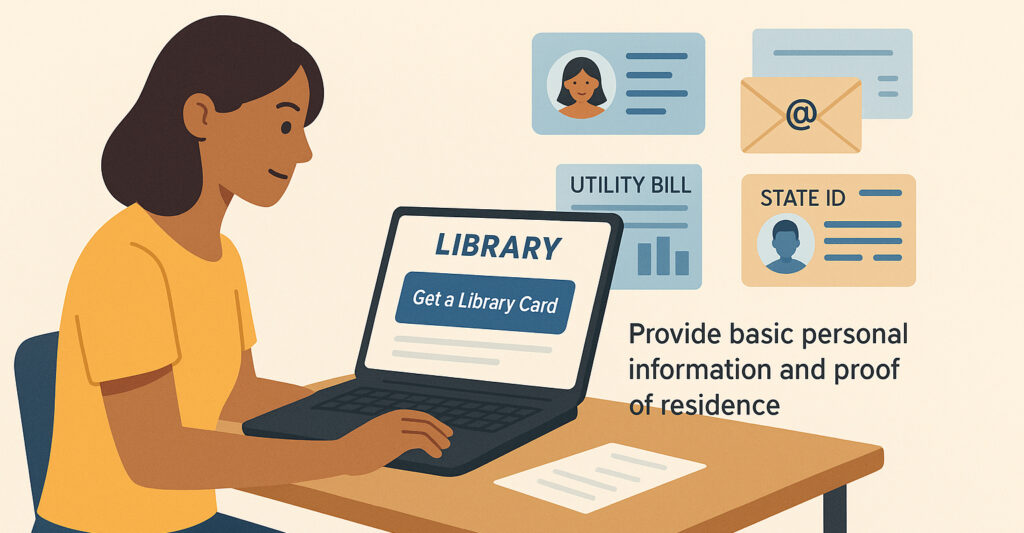
Getting a library card online is easy and can be done in just a few minutes. Many public libraries offer the ability to sign up for a digital or eCard directly through their websites. Start by visiting your local library’s site and look for an option like “Get a Library Card” or “Get an eCard.” You’ll usually need to provide some basic personal information such as your name, email address, and proof of residence (like a utility bill or state ID). After that, you can sign up for and download Hoopla to begin borrowing free eBooks, audiobooks, TV shows, comics/graphic novels, and music!
Can I Get an Online Library Card?
Yes! Hoopla is an online service that partners with thousands of libraries across the U.S. and Canada. If your local library supports Hoopla, you can use your online library card to access eBooks, audiobooks, movies, music, TV shows, and more. After signing up for a library card online, visit hoopladigital.com or download the Hoopla app, then create an account using your library card number and PIN. If you can’t remember your PIN, try getting in touch with your local library for assistance.
How Do I Borrow Free eBooks From the Library?
Once you have your online library card and a Hoopla account, borrowing eBooks is quick and easy. Just log in to Hoopla, browse for eBooks, and tap “Borrow” to start reading instantly. There are no waitlists or late fees—titles are available immediately. And getting started with your first eBook on Hoopla is easier than you can imagine.
Does Hoopla Require a Library Visit?
Not at all. You can register and start using Hoopla entirely online—no need to visit a branch. As long as your library offers online card registration and supports Hoopla, you can access a full catalog of eBooks and more from home. If your library does not support online registration for a library card, you may need to go in person to get your library card. After that, you can check out anything from Hoopla at home.
What if My Library Doesn’t Offer Hoopla?
If your library doesn’t partner with Hoopla, you can still explore nearby libraries that are partners. Some libraries allow non-residents to apply for a digital card. Sometimes this involves a small fee, but often it’s free. Check individual library websites for eligibility and instructions. Or talk to your librarian and tell them you’d like to use Hoopla!
What Makes Hoopla the Best Free Platform to Use With an Online Library Card?

Hoopla offers distinct advantages over other platforms. With Hoopla, there are no waitlists—only instant access to materials. Hoopla also supports wide variety of devices, including desktop computers, laptops, smart TVs, tablets, and smartphones. By making it easier to get a library card online and borrow instantly, Hoopla is a powerful tool for digital readers.
Remember that your card is the key to unlocking a huge collection of free eBooks with Hoopla. No lines, no late fees, and no hassle—just great reading, anytime, anywhere.


Endless entertainment.
No subscription required.
With Hoopla you can read, listen, and watch for free with your library card.
Get Started