
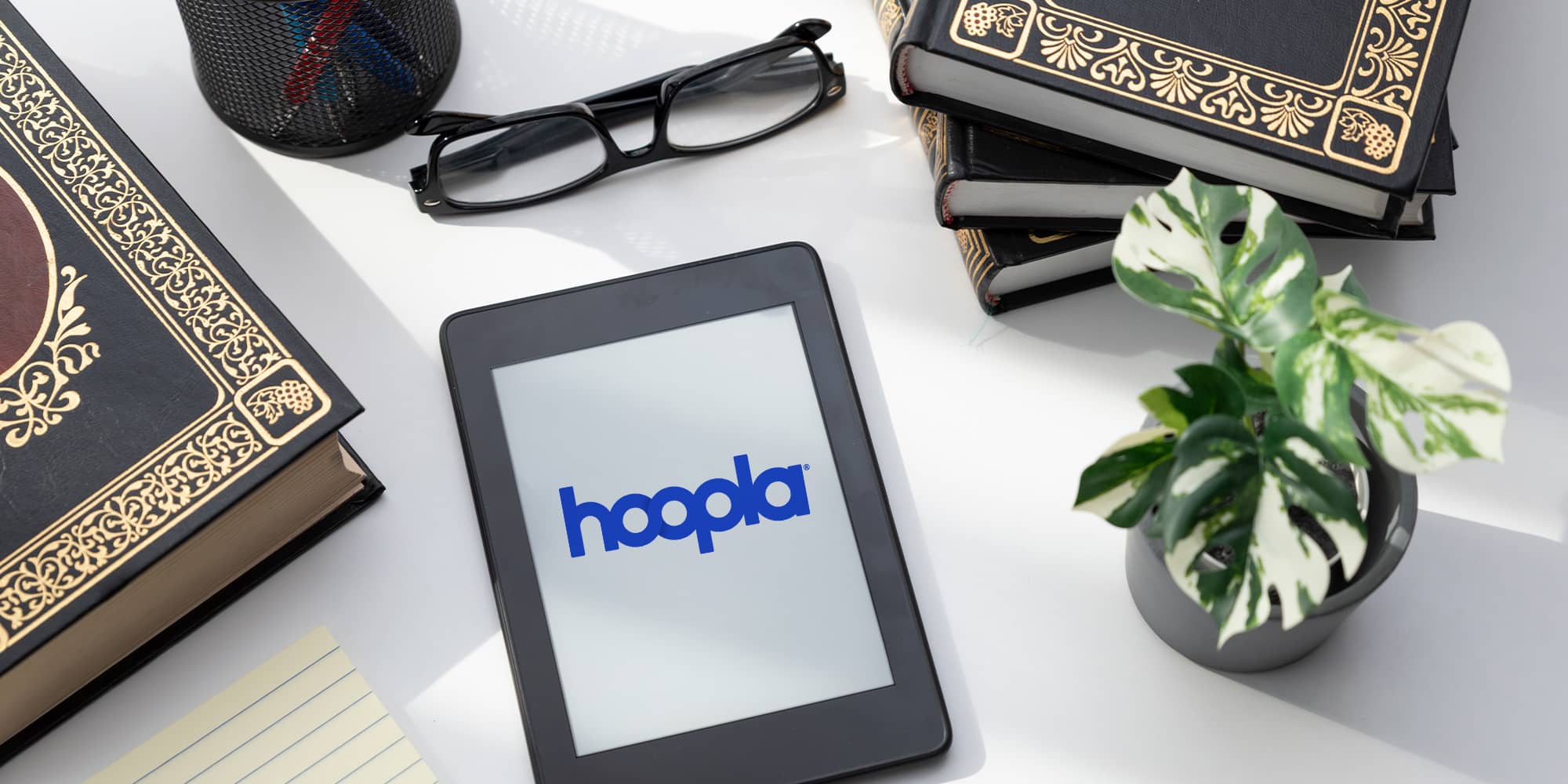
Take Your Library Anywhere: Hoopla on a BOOX e-Reader
There’s something special (not to mention convenient!) about reading on e-paper. The screen looks like real paper, so there’s no glare when you’re out on the porch, no eye strain after hours of reading, and no need to charge your device every night. If you pair that with Hoopla, the library’s instant-borrow app for eBooks, audiobooks, graphic novels, and BingePasses, you know there’s no waitlist standing between you and your next great read. Put the two together on a BOOX device and you’ve got a genuinely great way to read.
What Is BOOX?
BOOX is a line of e-paper devices that runs on full Android, which is a big deal for library patrons. Instead of being locked into one reading app, a BOOX e-reader gives you access to the Google Play Store, so you can install Hoopla right alongside any other digital reading app you already use. One device, your whole library.
BOOX hardware brings some super-useful extras to the table, too: adjustable warm and cool front lighting for nighttime reading, optional page-turn buttons, built-in speakers for audiobooks, and, on select models, paper-like note-taking. It’s less a single-purpose e-reader and more a flexible reading tablet built for people who actually read a lot.
Speaking of people who read a lot, here’s what a big-time book-lover has to say about BOOX:
Why Hoopla Users Will Love BOOX
A big part of Hoopla’s appeal is instant access. Borrow a title, and it’s yours to enjoy right away, no holds or waitlists required. On a dedicated e-paper screen, that instant gratification feels even better.
Inside the app, you’ll get Hoopla’s built-in e-reader for eBooks, a full-color graphic novel reader with ActionView panel zoom for comics, and full audio streaming for audiobooks. Play those audiobooks through your BOOX device’s built-in speakers or connect a pair of Bluetooth headphones for listening anywhere. It’s the full Hoopla catalog, on a screen built specifically for reading.
And remember, with a BOOX e-reader, you can have more than one digital app for reading. BOOX does not lock you into using just one platform!
How to Set Up Hoopla on Your BOOX Device
- Connect to Wi-Fi and open the Google Play Store on your BOOX.
- Download and install the official Hoopla Digital app.
- Log in using your library card number and PIN.
- Start borrowing. Instantly download your titles directly to the device for offline reading or listening.
That’s it. No syncing extra accounts, no complicated file transfers.
Tips for the Best Reading Experience on BOOX
A few small adjustments go a long way on a BOOX:
- Adjust your refresh mode. Most BOOX devices let you choose between refresh speeds. A faster mode smooths out page turns in text-heavy eBooks and comics with lots of panels.
- Download before you go. Grab your borrowed titles over Wi-Fi before a trip or commute so everything’s ready offline. Now you can read without an internet connection.
- Fine-tune the display. Play with font size, contrast, and warm or cool lighting until your eyes feel completely comfortable, especially for nighttime reading sessions.
Your Library, in Your Pocket
A BOOX e-reader gives you a flexible, paper-like way to read that plays well with the apps you already rely on, and Hoopla gives you instant access to eBooks, audiobooks, graphic novels, and more from that same device. Together, they make it easy to always have something good to read on hand.
Ready to try it out? Grab your library card, install Hoopla on your BOOX, and start borrowing today. Your next favorite book is already waiting for you. And ready to go anywhere with you!


Endless entertainment.
No subscription required.
With Hoopla you can read, listen, and watch for free with your library card.
Get Started