
Wondering Where to Watch the BingePass You Borrowed?
If you’ve borrowed a BingePass or SeasonPass through Hoopla, you might be wondering where and how you can watch it. Understanding which devices support these passes helps you enjoy hours of binge-worthy entertainment without interruption, wherever you want to be. BingePass lets you explore full seasons of TV, puzzles, kids’ eBooks, and much more. It’s different from standard Hoopla content, and device compatibility varies. Let’s break down which devices support BingePass and SeasonPass content.
What Are BingePasses and SeasonPasses?
BingePasses and SeasonPasses give you instant access to entire collections and premium streaming services—for a single borrow—through your local public library. With a BingePass you get free, unlimited, seven-day access to binge TV shows, interactive puzzles, movies, magazines, books, lectures, and more. With a SeasonPass, you can binge full seasons of TV shows. While Hoopla offers streaming and downloads across many devices, these passes have some specific device restrictions you should know about.
Watch BingePass on Web Browsers
You can access all BingePasses and SeasonPasses through web browsers. Whether you’re on a computer or tablet, simply visit Hoopla’s BingePass home page to start streaming. This option supports the full range of content without restrictions, so web browsers are the most versatile choice.
Mobile Apps for iOS, Android, and Amazon Fire Tablets
All BingePass and SeasonPass content is available through Hoopla’s mobile apps on iOS devices, Android devices, and Amazon Fire tablets. This makes it convenient to enjoy your passes on smartphones and tablets, anytime and anywhere. You can download the Hoopla app from the App Store, Google Play, or Amazon’s app store to get started.
TVs: Roku, Samsung, and LG Support
If you prefer watching on a bigger screen, Roku, Samsung, and LG TVs support all SeasonPasses and many BingePasses. This means you can binge your favorite shows and content in your own living room (and even host watch parties!). Visit Hoopla’s BingePass on the Big Screen collection for compatible titles. Here’s some examples:
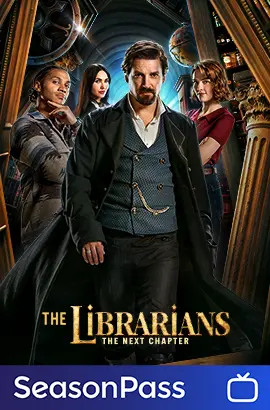

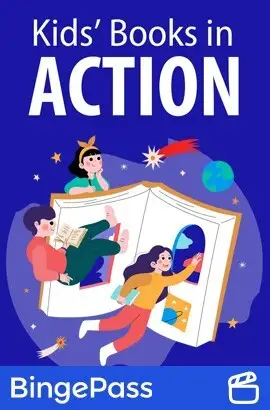
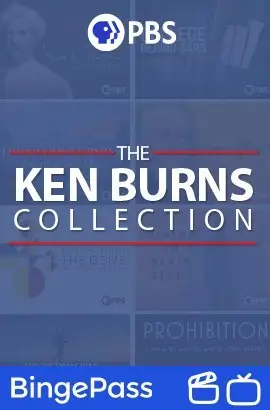

Important: BingePass and SeasonPass are currently not supported on Android TV, Apple TV, Fire TV, or Chromecast devices. Hoopla is continually working on expanding compatibility and will share updates when available.
Audio Capabilities: Apple CarPlay and Android Auto
For those on the go, select BingePasses with audiobook content can be accessed via Apple CarPlay and Android Auto. This allows you to enjoy audio versions of certain passes while driving. Keep in mind, only the audiobook content works in these environments—not the video or interactive content. Examples include:
Learn More and Troubleshoot
For a full list of devices supported by Hoopla and help with device setup, visit the Hoopla Help Center.
Enjoy Those BingePasses and SeasonPasses!
Whether you use web browsers, mobile apps on iOS, Android, or Amazon Fire, or watch on Roku, Samsung, and LG TVs, you have plenty of options to enjoy your BingePass or SeasonPass. Audio content can also accompany your drives via Apple CarPlay and Android Auto. Now that you know exactly where to watch the BingePass you borrowed, happy bingeing!
*Titles may vary by library


Endless entertainment.
No subscription required.
With Hoopla you can read, listen, and watch for free with your library card.
Get Started